Blog
Teaching Meta which leads actually closed with the offline conversion loop
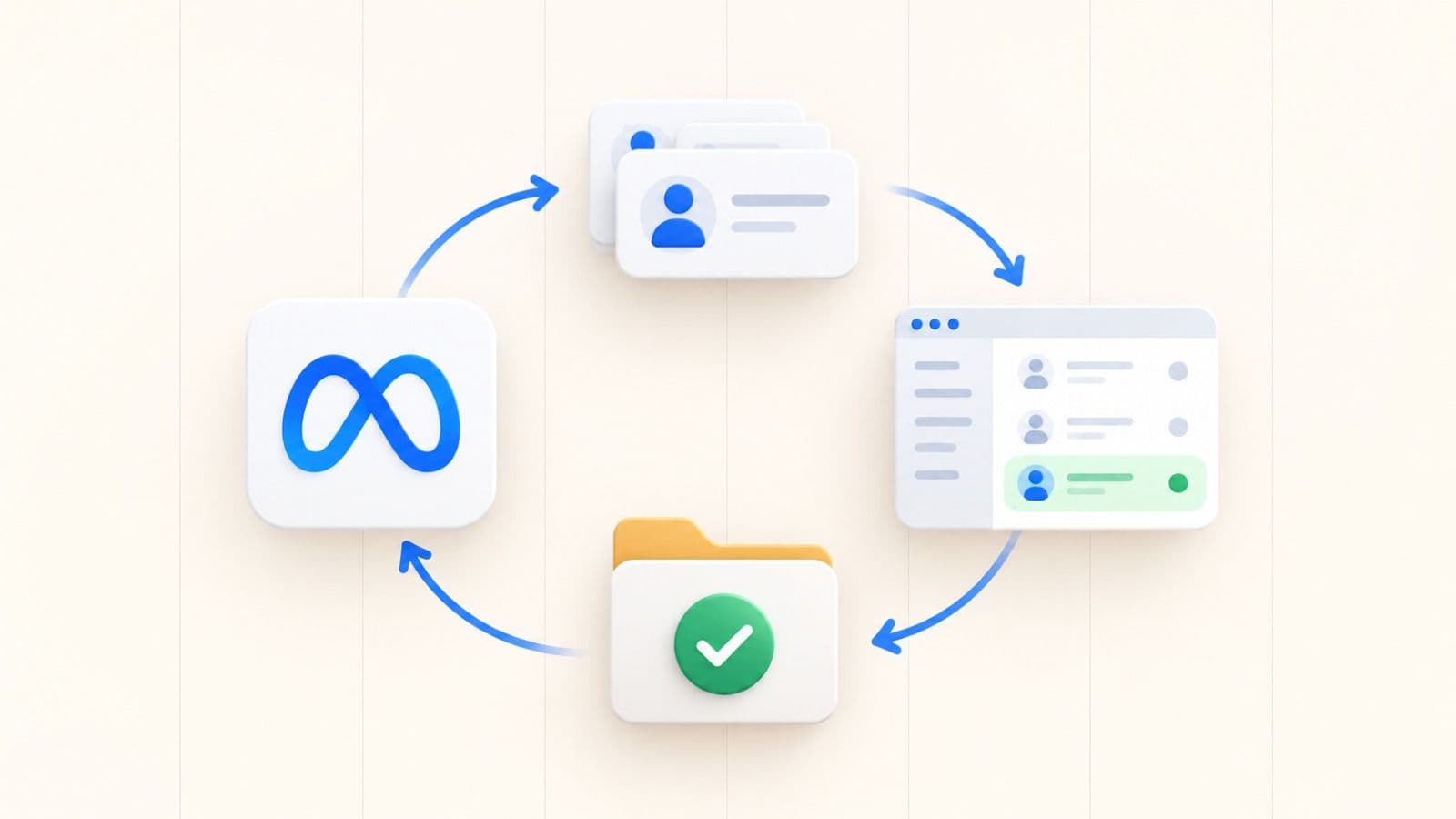
Meta optimises for the last event you told it about. In B2B that event is usually a form fill, so the algorithm learns to find form fillers rather than customers. Sending closed deals back from the CRM closes the loop and lets it learn which leads were worth having, which is the single highest-leverage change most B2B accounts have available.
By Uzair, Co-founder · Updated
Why do B2B campaigns stop improving after the first month?
Because the algorithm has learned everything the data can teach it, and the data stops at the form.
Meta improves by comparing the people who converted against the people who did not, then finding more of the first group. If the only conversion it can see is a form submission, it gets progressively better at finding people who submit forms. That is exactly what it was asked to do, and in B2B it is rarely what you wanted.
So the account plateaus. Cost per lead holds steady or improves slightly, cost per customer drifts the wrong way, and nobody can explain why the reporting looks fine while the pipeline does not.
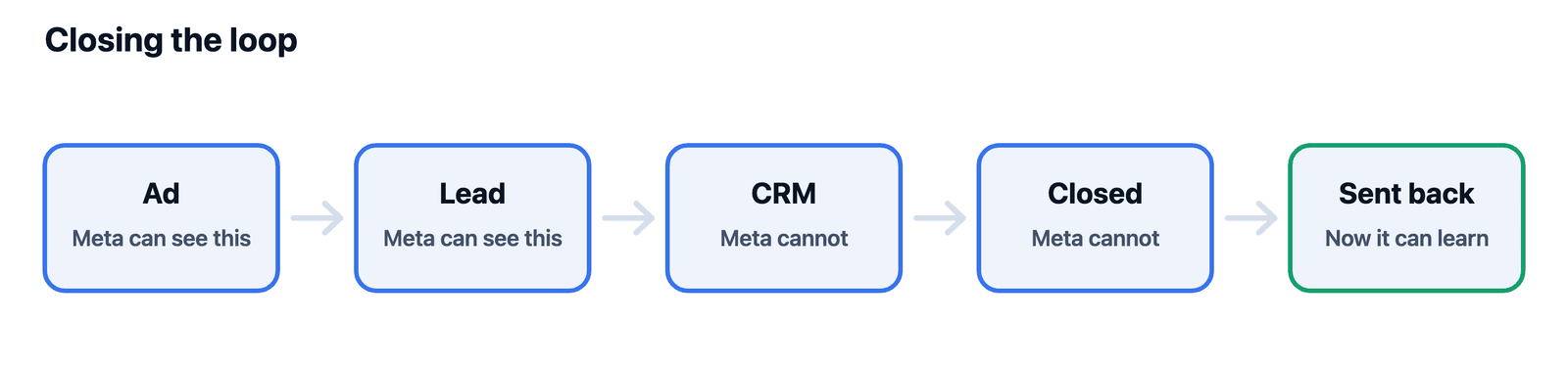
The missing piece is downstream truth. Somewhere in your CRM is the list of which of those form fills became real opportunities, and until that list gets back to Meta, the algorithm is optimising against a proxy.
The account is not plateauing because it ran out of audience. It is plateauing because it ran out of information.
What is an offline conversion, exactly?
It is an event that happened somewhere Meta cannot see, reported back to Meta afterwards so it can be matched to a person who saw an ad.
The name is a holdover. It covers anything outside the browser session: a call that got booked, a proposal that went out, a contract that got signed, a deal that was marked closed-won in a CRM three weeks later. None of those fire a pixel, because none of them happen on your website.
The mechanism is matching. You send a set of identifiers along with the event, Meta hashes and compares them against its own users, and where it finds a match it attributes the event to the ad that person saw.
That is the whole idea. It is less exotic than it sounds, and the difficulty is almost never the concept. It is the plumbing between your CRM and Meta, and the discipline to keep it running.
What do you need before you can send one?
Three things, and the first is not technical.
You need an agreed definition of the event you are sending, because closed-won means different things to different teams and a definition that drifts will teach the algorithm noise. You need identifiers captured at the point of lead capture, normally email and phone, stored in a field that survives the trip through your CRM. And you need those identifiers hashed before they leave your systems.
Hashing is not optional and it is not a formality. You are sending customer contact details to an advertising platform, so it matters both legally and ethically that you send them in a form Meta cannot read back.
Check your own basis for doing this under whichever privacy regime applies to you. This is a real processing decision, not a tracking setting, and it belongs in your privacy notice.
- A written definition of the event, agreed with sales.
- Email and phone captured at lead capture and carried through the CRM.
- SHA-256 hashing applied before anything leaves your systems.
- A lawful basis, and a privacy notice that actually mentions this.
How do you get closed deals from the CRM back to Meta?
Three routes, and they trade setup effort against how long the loop takes to close.
A manual upload is a spreadsheet of hashed identifiers, event names and event times, dropped into Events Manager on a schedule somebody owns. It is the fastest thing to stand up and the easiest to quietly abandon.
A native CRM integration does the same job continuously if your CRM offers one, which is the right answer when it exists. An API integration through the Conversions API is the most work and the most durable, and it is what you end up with at any real volume.
Start manual to prove the loop is worth automating, then automate it. Building the API integration first is how this project stalls before anyone sees a result.
Whichever route you pick, the event needs a name, a timestamp of when it actually happened, and a value if you have one.
What breaks most often?
Match rate, and it usually breaks for boring reasons rather than technical ones.
Business email addresses match worse than personal ones, because the address somebody uses at work is often not the address attached to their personal Meta account. This is the structural tax on doing this in B2B, and it is why sending phone numbers alongside email matters more here than it does in ecommerce.
The other common failures are formatting and timing. Identifiers hashed without being normalised first will not match, so trim the whitespace and lower the case before hashing. Events sent with the upload date rather than the date the deal actually closed will attribute to the wrong window.
Check the match rate in Events Manager after the first upload rather than assuming it worked. A loop that silently matches almost nothing looks identical to one that is not running.
Normalise before you hash. Trailing whitespace and a capital letter are the two most common reasons a perfectly good upload matches nothing.
What if your sales cycle is longer than the attribution window?
Then closed-won is the wrong event to optimise for, and you should send it anyway.
These are two separate jobs. Optimisation needs an event that fires often enough and soon enough for the algorithm to learn from, which for a long cycle usually means a booked call or a qualified opportunity rather than a signature. Measurement needs the truth, however late it arrives.
So send both. Use the earlier event as the optimisation target and keep sending closed deals for reporting and for the audiences you build from them. Attribution windows on Meta vary by objective and change over time, so check what yours are set to in Events Manager rather than working from a number you read somewhere.
The practical test is volume. If the event you are optimising for does not happen at least a handful of times a week, move one step earlier in the funnel until it does.
How long before it changes anything?
Longer than a normal test, and the delay is the reason most teams abandon this before it pays.
Nothing happens on day one. The algorithm needs a meaningful number of the new event before it can use the signal, and in B2B those events arrive at the pace your sales cycle allows. Expect the first useful shift somewhere after you have fed back a few dozen real outcomes, not after the first upload.
That makes this a poor fit for a two-week test and a very good fit for the thing you set up in month one and leave running. It compounds, which almost nothing else in an ad account does.
Judge it on cost per closed deal rather than cost per lead. Cost per lead will very likely get worse, and that is the loop working rather than failing.
At a glance
| Route | Setup effort | Best for |
|---|---|---|
| Manual upload to Events Manager | Low | Proving the loop is worth automating |
| Native CRM integration | Medium | Any CRM that offers one, which is most of them now |
| Conversions API | High | Real volume, and anything you intend to keep |
Bring the specific decision, context, and constraint.
We can help identify the next useful test across your audience, offer, creative, qualification, and sales feedback loop.